
50 Cao Duc Lan, Binh Trung Ward, HCMC, Vietnam

+84 76 865 6688

info@beetech.com.vn
+84 76 865 6688

About us
Contact us



HOME
PRODUCTS
SOLUTIONS
INDUSTRIES
PROJECTS
NEWS


50 Cao Duc Lan, Binh Trung Ward, HCMC, Vietnam
+84 76 865 6688
info@beetech.com.vn
+84 76 865 6688
About us
Contact us
HOME
PRODUCTS
SOLUTIONS
INDUSTRIES
PROJECTS
NEWS
5 Small but Powerful Tips to Optimize Barcode Performance for Your Business
In today’s fast-paced digital transformation era, barcodes remain one of the most widely used identification and tracking technologies across warehousing, retail, logistics, and manufacturing. While RFID is gaining momentum, barcodes continue to dominate due to their low cost, simplicity, reliability, and high accuracy.
However, many businesses are still not maximizing the full power of barcode technology. Common issues include:
Barcodes that fail to scan
Faded or damaged labels
Incorrect or inconsistent data
Slow scanning processes
Using the wrong type of barcode scanner
These problems lead to wasted time, human errors, and disruptions in daily operations.
This article reveals 5 small but powerful tips every business can apply to significantly improve barcode performance and overall operational efficiency.
One of the most common mistakes businesses make is selecting barcode labels based solely on price instead of the actual usage conditions.
Each working environment requires a different type of label to ensure durability and scan accuracy.
Low cost
Suitable for office use or short-term labeling
Not waterproof, not heat-resistant
Best for: retail shelves, office documents, light-duty inventory.
Resistant to moisture and cold
Do not tear easily
Maintain clarity in low temperatures
Best for: cold storage, frozen foods, seafood, agriculture.
Extremely durable
Resistant to abrasion and chemicals
Long-lasting print quality
Best for: machinery parts, industrial production, long-term inventory tracking.
Withstand high temperatures
Maintain readability under extreme conditions
Best for: engines, electronics manufacturing, metal components.
👉 The right label ensures your barcode remains readable, stable, and long-lasting—even in harsh environments.
Barcode readability depends heavily on print quality. A poorly printed barcode becomes unreliable—even if your scanner is top-tier.
White or light-colored background
Dark bars (black or navy)
Avoid red ink (laser scanners struggle to detect red)
Barcodes that are too small or compressed will distort the spacing between bars.
Minimum recommended bar width (X-Dimension):
0.25mm – 0.33mm for 1D barcodes
Larger sizes for long codes
Replace worn-out ribbons
Clean printheads
Ensure ink density is consistent
👉 A high-contrast, well-printed barcode can reduce scan errors by up to 90%.
Barcode scanners come in many types, each designed for different environments and workflows. Using the wrong scanner creates delays and inefficiencies.
Affordable
Ideal for POS systems and basic retail
Limited reading capability on damaged or curved labels
Scan QR codes, DataMatrix, PDF417, and all 1D codes
Read damaged, wrinkled, or on-screen barcodes
Much faster and more flexible than 1D scanners
Best for: warehousing, logistics, customer check-in, healthcare.
Bluetooth or WiFi
Mobility across aisles and shelves
No cable clutter
Best for: warehouses, loading docks, large stores.
All-in-one device: barcode scanner + mobile OS + data processing
Real-time sync with ERP/WMS
Rugged, long battery life
Best for: manufacturing, fulfillment centers, inventory management.
👉 Selecting the right scanner can increase operational efficiency by 40–60%.
The surface on which you place the barcode has a direct impact on scan accuracy.
Common scanning issues include:
Curved surfaces → distorted bar spacing
Glossy surfaces → light reflection makes scanning difficult
Rough textures → uneven print quality
How to fix these problems:
Use curved-surface labels for bottles and cans
Choose matte labels instead of glossy for reflective products
Use resin ribbons for rough or textured packaging
Apply the label on a flat, clean area whenever possible
👉 A small adjustment in labeling technique can double your scan accuracy.
The true power of barcode technology lies in its connection to your software ecosystem.
If the barcode on the product does not match the data in your ERP/WMS/POS system:
Scanning becomes inaccurate
Inventory becomes inconsistent
Staff becomes confused
Orders can be mixed up
To maintain accurate synchronization, businesses should:
Use a standardized code structure
Ensure all new products are registered before printing labels
Update changes across all software platforms
Train staff to scan consistently in every step of the workflow
Integrate with management software
Barcode works best when combined with:
ERP (Enterprise Resource Planning)
WMS (Warehouse Management System)
POS (Point of Sale)
Inventory applications
Production tracking systems
👉 With proper synchronization, businesses can achieve inventory accuracy levels close to 100%.
Barcodes may look simple, but when optimized correctly, they bring enormous benefits:
Faster operations
Lower labor costs
Fewer manual errors
Better inventory accuracy
Smoother daily workflows
By applying the 5 tips above:
Use the right label material
Print high-contrast barcodes
Choose the right scanner
Apply labels correctly
Synchronize with your management system
Your business can operate more smoothly, accurately, and professionally.
Beetech offers a full ecosystem of identification technology:
✔ 1D/2D barcode scanners (wired & wireless)
✔ Desktop and industrial barcode printers
✔ Barcode labels: paper, PP, PET, PVC
✔ Rugged PDA scanners for warehousing
✔ RFID readers, tags, antennas & software
✔ Consulting, demo, and integration support tailored to your business needs
📩 Contact Beetech for expert consultation and customized barcode solutions that improve accuracy and operational efficiency.
📧 Email: info@beetech.com.vn
🌐 Website: https://beetech.com.vn


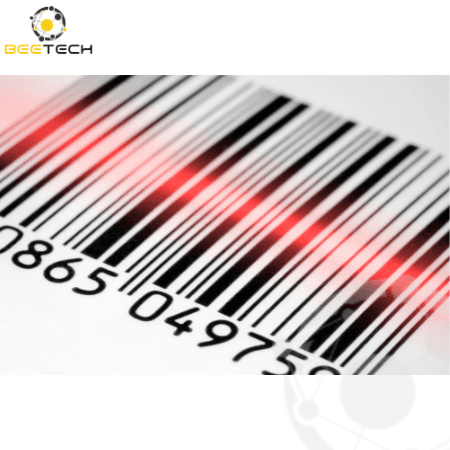

Why is barcode technology still widely used in today’s technology landscape?

28/01/2026 06:45:37
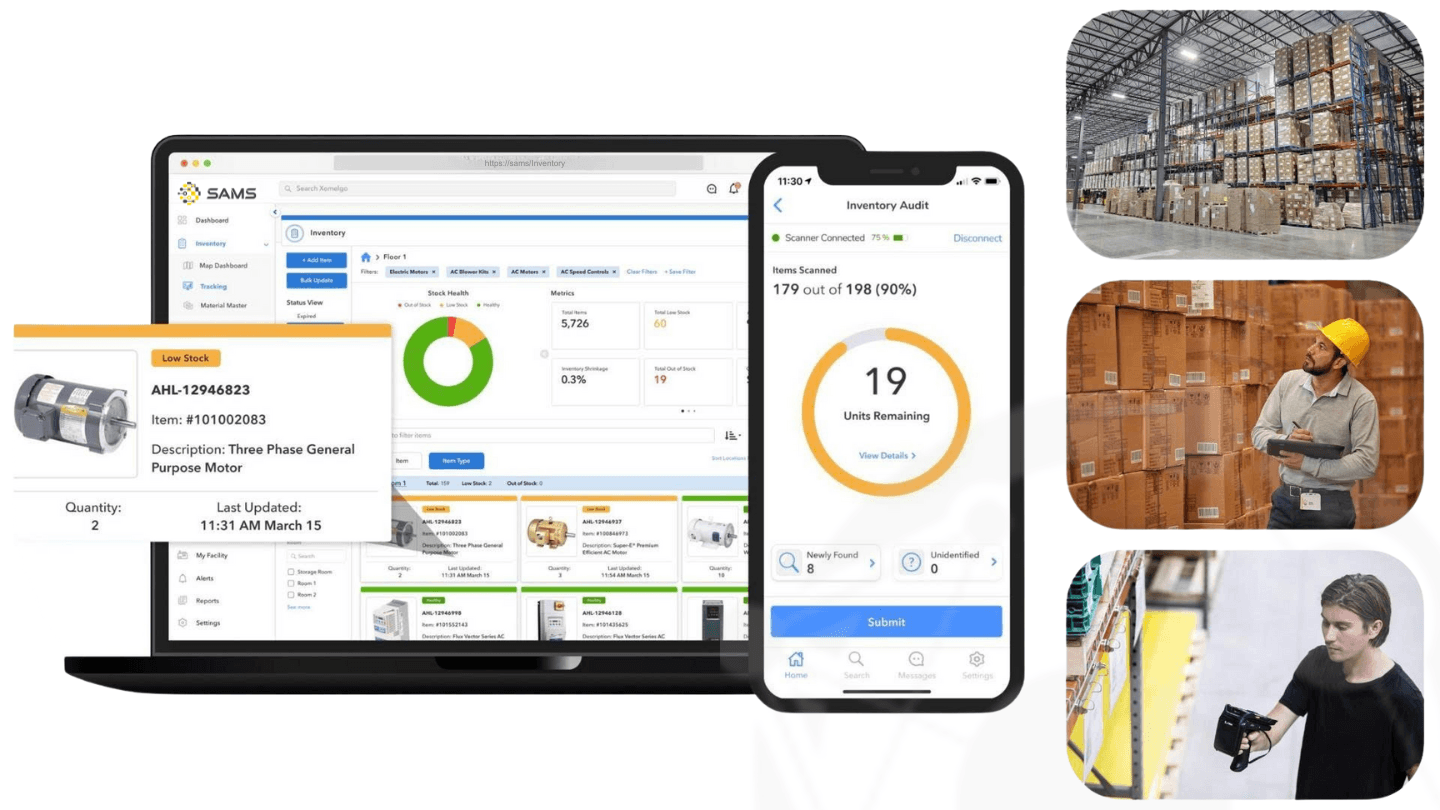
What Makes Beetech’s Asset Management Software Different from Other Solutions?
12/01/2026 03:47:37

Mobile Barcode Scanners: Which Device Offers the Best Value for Money?
08/01/2026 09:42:34

What Is CO CQ? Why Do Businesses Need CO/CQ When Purchasing Goods?
30/12/2025 03:05:55

What Is Vietnam Barcode? Why Are Businesses Required to Register Barcodes?
29/12/2025 06:42:26

Global Barcode Market Experiences Strong Growth: Trends & Business Opportunities
23/12/2025 08:13:52